Spellbound & Shelved System Requirements
A 500 MB idle that still wants 64-bit and a mouse.
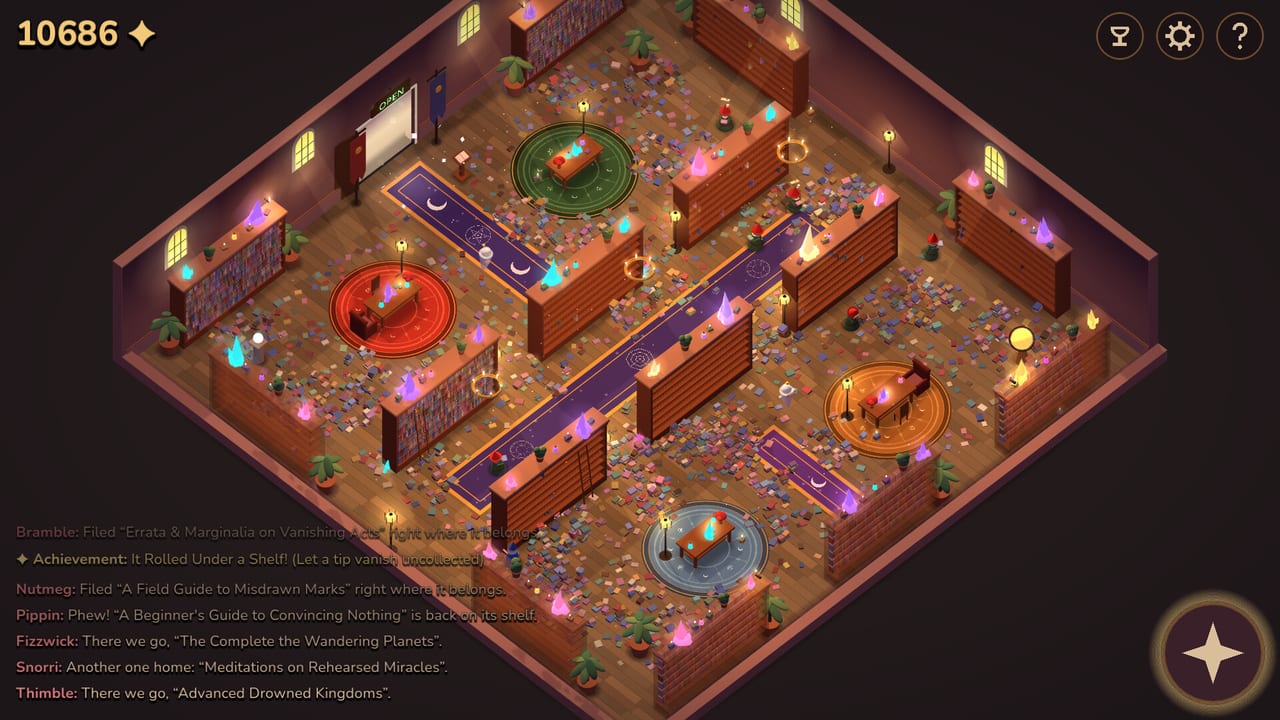
Spellbound & Shelved is a free isometric idle, not a ray-traced RPG. The Steam page still publishes real floors. If the client refuses to start, check this list before you hunt codes that do not exist. After it launches, Getting Started is the first-hour guide.
The game is 64-bit only. Steam lists mouse required. There is a Touch Only option for play-at-your-own-pace sessions, plus Mouse Only, custom volume, save anytime, and no required timed inputs. Those flags live in the store’s accessibility block; they are not extra downloads.
Windows
Minimum
- OS: Windows 10 64-bit
- CPU: any 64-bit dual-core
- RAM: 2 GB
- GPU: OpenGL 3.3 / GLES 3.0 — Intel HD 4000, GeForce 400, Radeon HD 5000 or newer
- Disk: 500 MB
- Notes: mouse required · 64-bit only
Recommended
- OS: Windows 11
- CPU: quad-core
- RAM: 4 GB
- GPU: any dedicated GPU from the last decade
- Disk: 500 MB
- Notes: mouse required · 64-bit only
A launch-week idle with 200+ upgrade nodes and a dozen gnomes will not tax a 2012-era laptop if the OpenGL floor is met. If the window opens and then the hats stutter, lower other overlays (recording software) before you blame the upgrade web.
macOS
Minimum: macOS 11.0, Intel or M1, 2 GB RAM, Intel HD 4000, 500 MB, mouse, 64-bit only.
Recommended: macOS 12+, Intel or M1, 4 GB RAM, Intel HD 4000 / M1, 500 MB, mouse, 64-bit only.
Apple Silicon is listed. There is no separate “Apple GPU” download. If the title screen isometric library is a black box, you are usually on an unsupported macOS 10.x machine, not on a missing Metal pack.
Linux
Minimum: Linux with glibc 2.28+ (Ubuntu 20.04+), 64-bit dual-core, 2 GB RAM, Intel HD 4000 / GeForce 400 / Radeon HD 5000, mouse, 64-bit only.
Recommended: Ubuntu 22.04+, quad-core, 4 GB, dedicated GPU from the last decade, mouse, 64-bit only.
SteamOS is grouped with Linux on the store page. Proton is not required for a native Linux build; if you force Proton and the UI scales wrong, switch back to the native depot.
Steam Deck and handhelds
Steam Deck compatibility was Unknown on the store capture we used. Touch Only suggests a Deck session is possible, but we will not stamp a Verified rating the store has not given. Mouse-required still matters in desktop mode. If you play in a 16:9 window, the isometric camera and the upgrade overlay (pan, wheel zoom, U to close) are the same as How to Play.
What these specs do not include
- A graphics preset menu with Ultra/Low. The art is a single isometric library.
- Online bandwidth. Single-player, no invite-a-friend staffing.
- A GPU vendor lock. OpenGL 3.3 is the language.
- Extra space for 4K texture packs. 500 MB is the store number.
If the game launches and then gnomes vanish off the floor, that is a pathing bug, not an underpowered CPU. If achievements will not pop, that is also troubleshooting, not a spec miss.
Accessibility recap
Custom volume, Mouse Only, Touch Only, playable at your own pace, playable without timed input, save anytime. The speedy / 90-minute trophy is optional; it is the one place a clock matters, and it is a challenge, not an accessibility requirement. Details sit on achievements and the review.
The store still prints 500 MB. The public depot we captured is smaller: 379.30 MiB on disk and 124.36 MiB download. If the installer is wildly larger than 500 MB, you grabbed the wrong app. If it is a little under 500 MB, you are on the real idle. SteamDB detected Godot Engine. Launch executables: windows/SpellboundShelved.exe, macos/Spellbound and Shelved.app, linux/SpellboundShelved.x86_64. Public branch build 25162249 (7 Sep 2026). Input map: controls.
Install from Steam app 5097840. Then flip the plaque and let Nutmeg work.
Frequently Asked Questions
Quick answers for the idle library.
Can I run Spellbound & Shelved on a low-end PC?
If you have 64-bit Windows 10, 2 GB RAM, and an OpenGL 3.3 GPU from the HD 4000 / GeForce 400 era, Steam says yes. Then read Getting Started.
Does it run on Steam Deck?
Compatibility was listed as Unknown. Touch Only exists. We will not invent a Verified badge.
Why does it say mouse required if Touch Only exists?
Steam lists both. Desktop defaults to mouse. Overlay shortcuts are in How to Play.